
React and TypeScript for admin dashboards: why, and what to watch for
Abdul Wahed Nur · · 1 min read
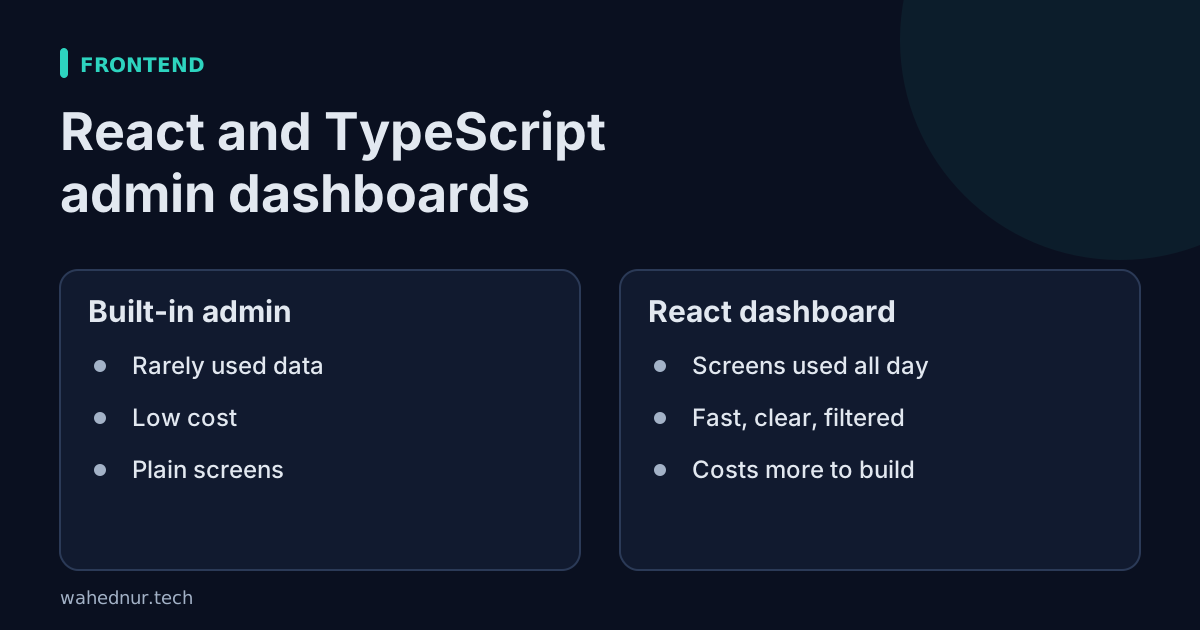
In short: Use the built-in admin for rarely used data and a React dashboard for screens people use all day.
An admin dashboard is where the team lives: orders, stock, customers, reports. It needs to be clear, quick and hard to misuse.
Why React
- Tables, filters, forms and charts are everyday jobs, and mature components exist for them.
- A screen can update one part without reloading the whole page, which feels faster in daily use.
- Many developers know it, so the work is easy to hand over.
Why TypeScript
TypeScript checks the shape of data while the code is written. If the backend sends an amount as text and a screen treats it as a number, the mistake is caught before a user sees it. For screens that show money, that early warning matters.
What to watch for
- Hidden does not mean secure. Hiding a button in the screen does not stop someone calling the API. Permissions must be enforced on the server. I enforce them there, and the screen only mirrors them.
- More code than a plain admin. If you only need to view and edit records, Django's built-in admin can be enough and costs far less. I often start there and build custom screens only where staff need them.
- Upkeep. A custom front end needs updates over time, like any software.
My rule of thumb
Use the built-in admin for rarely used data. Build a custom React dashboard for the screens people use every day.