
How ordering a package works, step by step
Abdul Wahed Nur · · 1 min read
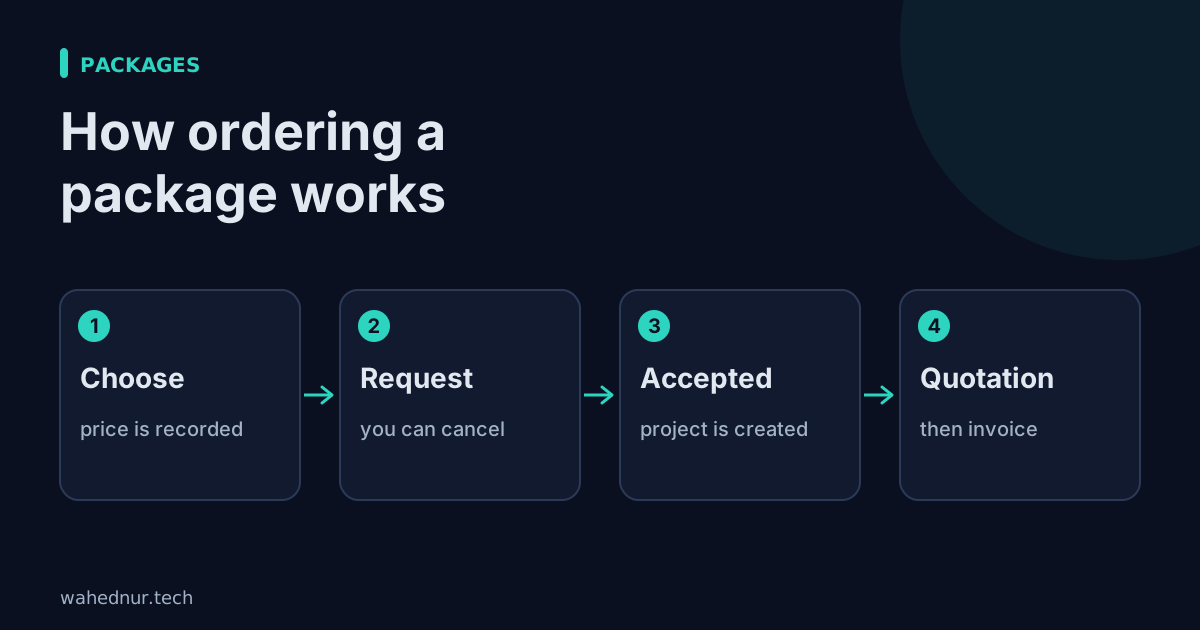
In short: Choose a package, send a request, I accept, and it follows the usual quotation and invoice path.
Packages are fixed offers with a stated price, such as Basic, Standard and Premium for a service.
The steps
- Choose a package on the packages page. The price you see is the price recorded for your order. Later price changes do not alter it.
- Sign in if you have not. You come back to the same package afterwards.
- Send the request. I am notified. You can cancel it while it is waiting.
- I accept or decline. Accepting a one-time package creates a project and a draft quotation for the agreed price.
- Quotation, then invoice. You accept the quotation, it becomes an invoice, and payments are recorded against it.
Monthly and yearly packages
For ongoing packages, such as maintenance, accepting starts a subscription. One invoice is created per period, never twice for the same period. You can see it in your account, and either of us can cancel.
What stays under your control
Nothing is charged automatically behind your back. Every invoice is visible in your account, and you can see exactly what is due and when.